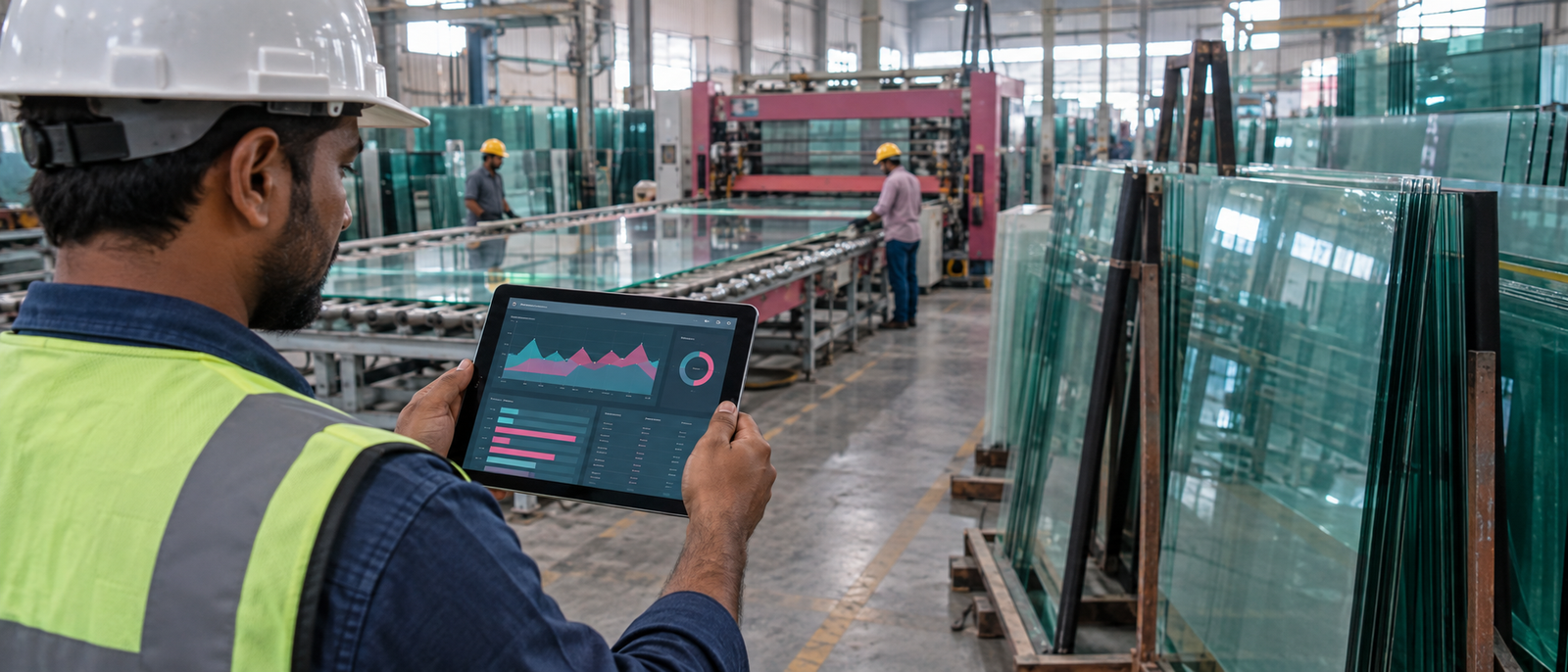

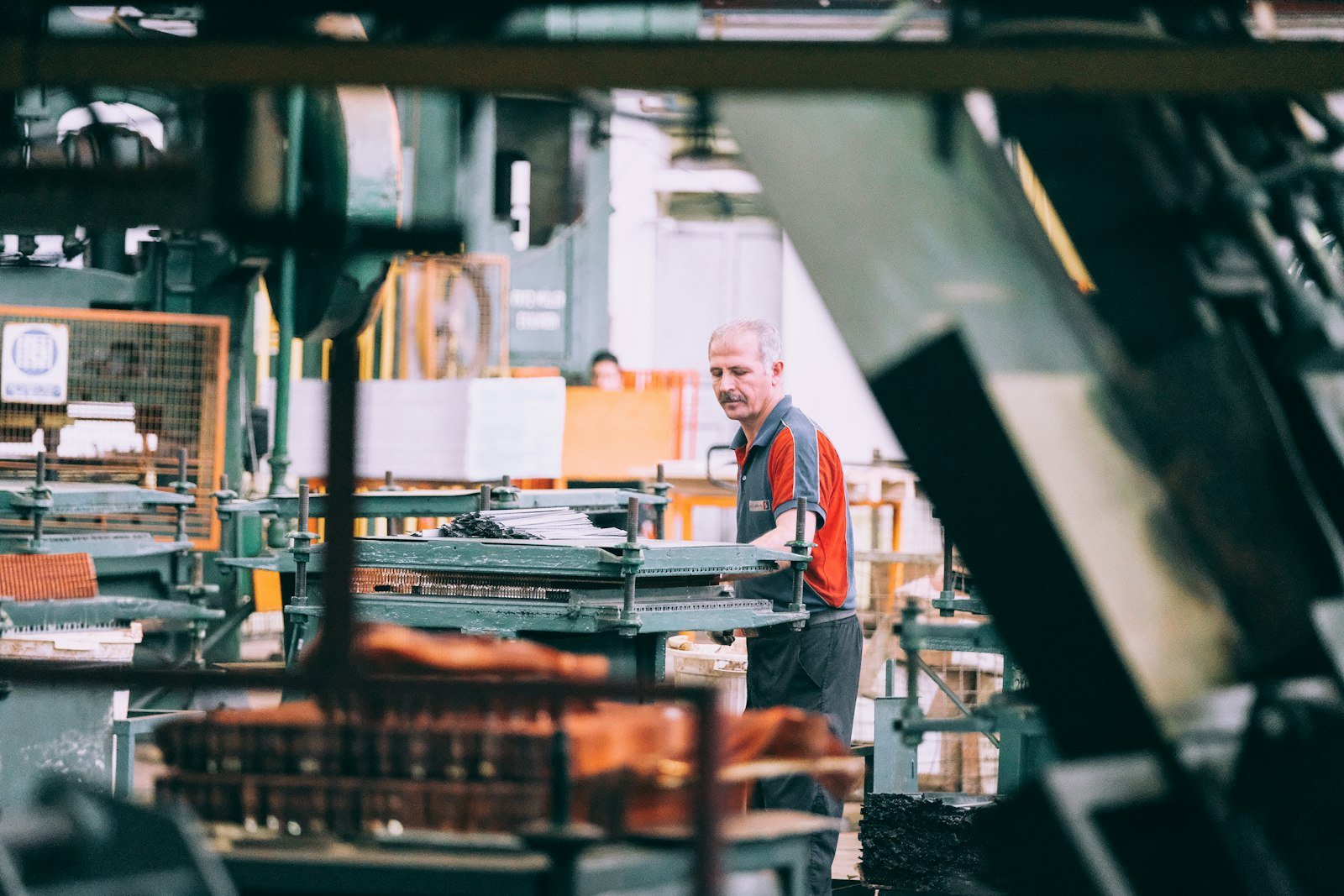
Ask a glass processing unit in Ludhiana how much toughened or DGU stock they actually have on the shop floor right now, and the honest answer is usually “let me go check” — followed by someone walking the racks with a notepad. The order book, the cutting plan, and the stock register live in three different places, and none of them agree after a bad cutting day. Glass inventory software exists to close that gap: one system that tracks what came in, what got cut, what broke, and what’s actually left — updated the moment it happens, not at month-end.
Where Glass Actually Goes Missing: Cutting, Breakage, and the Stock Sheet That Never Matches
Glass is one of the few raw materials where the finished-goods count and the raw-material count rarely reconcile on paper. A 10mm clear sheet goes into the cutting line rated for a certain yield, but every unit runs its cutting plans a little differently — and every plan produces offcuts, chipped edges, and the occasional cracked piece that never makes it to dispatch. In most Punjab glass units, that wastage is tracked (if at all) as a rough percentage scrawled at the end of a register, not linked back to the specific order or cutting job that caused it.
The result: purchasing decisions get made on gut feel rather than real consumption data, “dead stock” — odd sizes and colors nobody’s ordered in months — quietly eats up warehouse space, and nobody can say with confidence how many square feet of 5mm toughened are actually sitting in the yard until someone counts it by hand.
The Stock-to-Dispatch Flow Glass Inventory Software Should Track
Every step updates the same stock ledger — no separate spreadsheet to reconcile at month-end.
What a Proper Wastage & Stock Report Looks Like
This is the kind of report glass inventory software should generate automatically at the end of every shift or cutting run — not something someone builds in Excel once a week:
| Item | Opening Stock (Sq.ft) | Cut / Issued | Wastage | Closing Stock |
|---|---|---|---|---|
| 5mm Clear Toughened | 1,240 | 380 | 22 (5.8%) | 838 |
| 10mm Clear Toughened | 640 | 210 | 9 (4.3%) | 421 |
| DGU Panel Stock | 310 | 95 | 4 (4.2%) | 211 |
Wastage % calculated against sq.ft issued for that batch, not total opening stock — flags a cutting job the moment it runs above the unit’s usual 3-5% range.
Notice what this does that a manual register can’t: it ties wastage to a percentage of what was actually issued for that job, so a bad cutting run gets flagged the same day, not discovered three months later when the stock count comes up short.
10 Things Glass Inventory Software Should Actually Do
- 1Batch/lot-wise stock entry, so every sheet or DGU panel is traceable back to its receipt date and supplier.
- 2Wastage percentage calculated per cutting job and compared against the unit’s historical average, not a flat estimate.
- 3FIFO-based stock issuance, so older sheet stock gets used before newer batches age into dead stock.
- 4Minimum and maximum stock alerts per glass type and thickness, triggered automatically as levels move.
- 5Auto-generated purchase orders to vendors the moment a stock alert fires, instead of a manual phone call.
- 6Dead-stock reporting — sizes, colors, or thicknesses that haven’t moved in a set number of days.
- 7Best- and worst-moving SKU reports, so purchasing reflects actual demand instead of habit.
- 8Multi-site consolidated stock view for units running more than one processing line or godown.
- 9Mobile stock lookup, so a site engineer or dealer call can be answered without walking to the yard.
- 10Dispatch-linked stock deduction, so the moment a delivery challan is created, stock reduces automatically — no separate stock-out entry.
Glass Inventory Terms Worth Knowing
A quick reference for terms that come up constantly when evaluating glass inventory software:
- Cullet
- Broken or scrap glass generated during cutting and processing — tracked separately since some units sell it for recycling rather than writing it off as pure loss.
- Breakage / Wastage Ratio
- The percentage of glass lost to breakage or trim relative to the quantity issued for a job — the single number that tells you if a cutting run went normally or badly.
- FIFO Glass Stock
- First-In-First-Out issuance — older sheet batches are used before newer ones, reducing the risk of stock aging into scratches, edge damage, or discoloration.
- Reorder Point
- The stock level at which a purchase order should automatically trigger, calculated from average daily usage and supplier lead time rather than a guessed round number.
- Dead Stock
- Inventory — an odd tint, an unusual thickness — that hasn’t been used or sold in a defined period, quietly occupying warehouse space and tying up working capital.
- Batch / Lot Tracking
- Recording each stock receipt as a distinct batch, so a quality issue or supplier defect can be traced back to exactly which delivery it came from.
We’ve already built the inventory layer for a Ludhiana glass group. Our Shiva Glass Group case study covers a custom ERP spanning three brands — with production and stock tracking on one system. It follows the same order-to-delivery approach covered in Custom Software for Glass Processing Units in Ludhiana, and pairs directly with Quotation Software for Glass Fabricators — quoting accurately depends on knowing exactly what stock is actually on hand.
Frequently Asked Questions
Generic inventory tools track quantity in and out. Glass inventory software also tracks wastage per cutting job, batch-level traceability, and stock in units (sq.ft) that match how glass is actually bought, cut, and billed.
Yes — cullet and rejected pieces are logged as their own category so a unit can still account for recycling value instead of writing every gram off as pure loss.
Yes — stock and wastage roll up into one consolidated dashboard across multiple lines or sites, while still letting you drill into any single line’s numbers.
Most Punjab glass units see reliable percentages within the first 2-3 weeks of use, once a few cutting cycles have run through the system and historical averages start forming.
Yes, when built as part of the same platform — stock deducts automatically the moment a quote is converted to an order and dispatched, without a separate manual entry.
Not quite — those are built for different supply chains and currencies. Software built around Punjab’s sq.ft-based rate formats and local supplier lead times tends to fit faster with less customization.
Stop Losing Glass to Bad Stock Tracking
We build custom glass inventory and wastage-tracking systems for processing units in Ludhiana and across Punjab — 25-day delivery, priced as a one-time build, not a subscription.
Digital Darzee builds custom inventory, ERP, and business software for manufacturers across Punjab. Figures in the sample report above are illustrative.