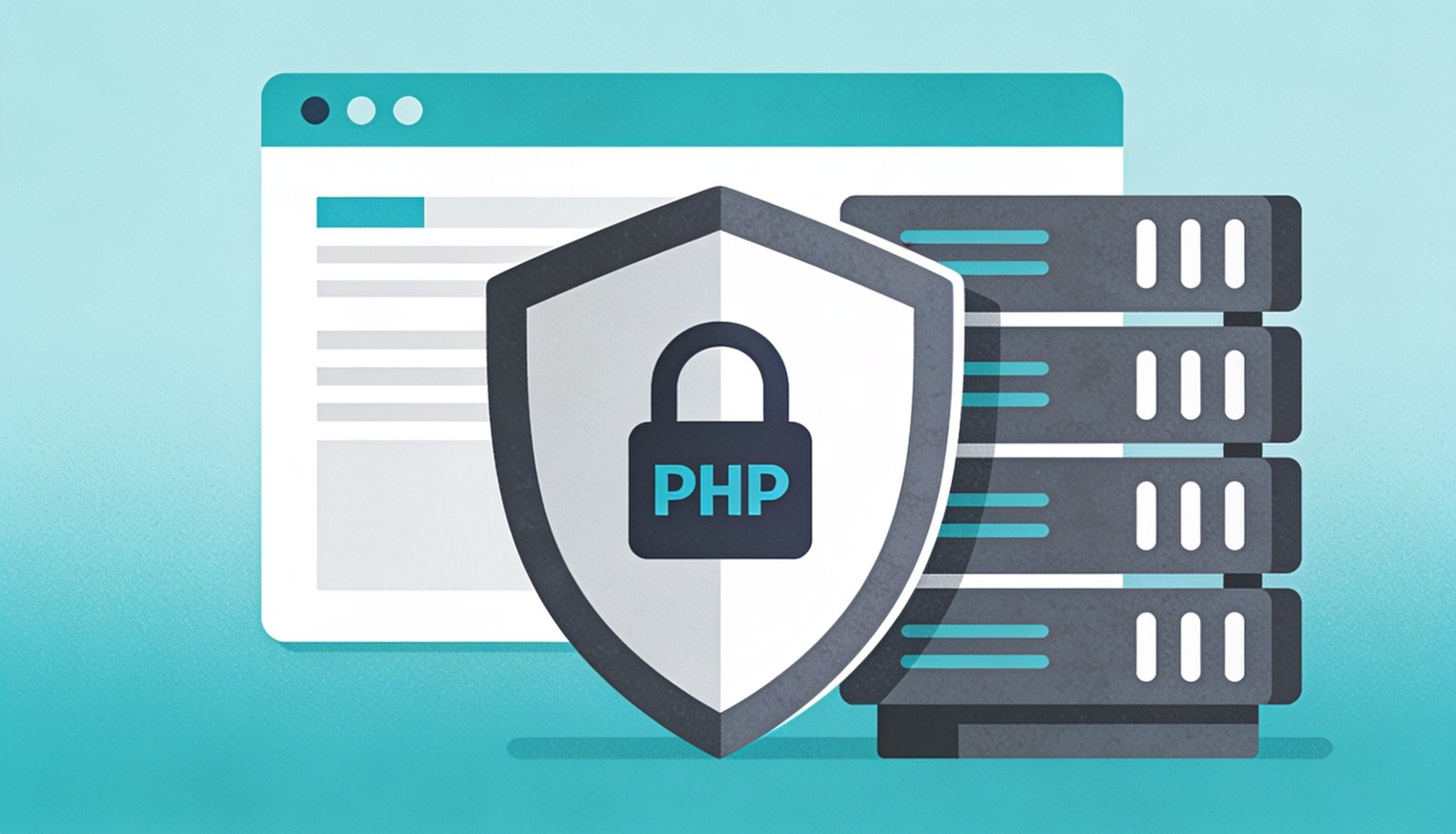
PHP Security Best Practices: A Non-Technical Business Owner’s Checklist
You don’t need to write code to know whether your website is following basic PHP security best practices — you just need the right questions to ask.
Most business owners never look at their website’s code, and that’s perfectly fine — but knowing whether your developer follows PHP security best practices is worth understanding, because a breach doesn’t just cost money to fix, it costs customer trust that’s much harder to rebuild.
The Core PHP Security Best Practices Checklist
Input validation and sanitization
Every form field a visitor can type into should be checked and cleaned before it touches your database or gets displayed back.
Prepared statements for database queries
Prevents SQL injection, one of the most common ways attackers extract or corrupt website data.
Up-to-date PHP version
Older PHP versions stop receiving security patches, leaving known vulnerabilities permanently open.
HTTPS enforced everywhere
Encrypts data between visitors and your server, protecting logins, forms, and payment details in transit.
Secure password hashing
Passwords should never be stored in plain text or with outdated, easily-cracked hashing methods.
Regular dependency updates
Third-party libraries and plugins need updating too — most breaches exploit known, unpatched vulnerabilities.
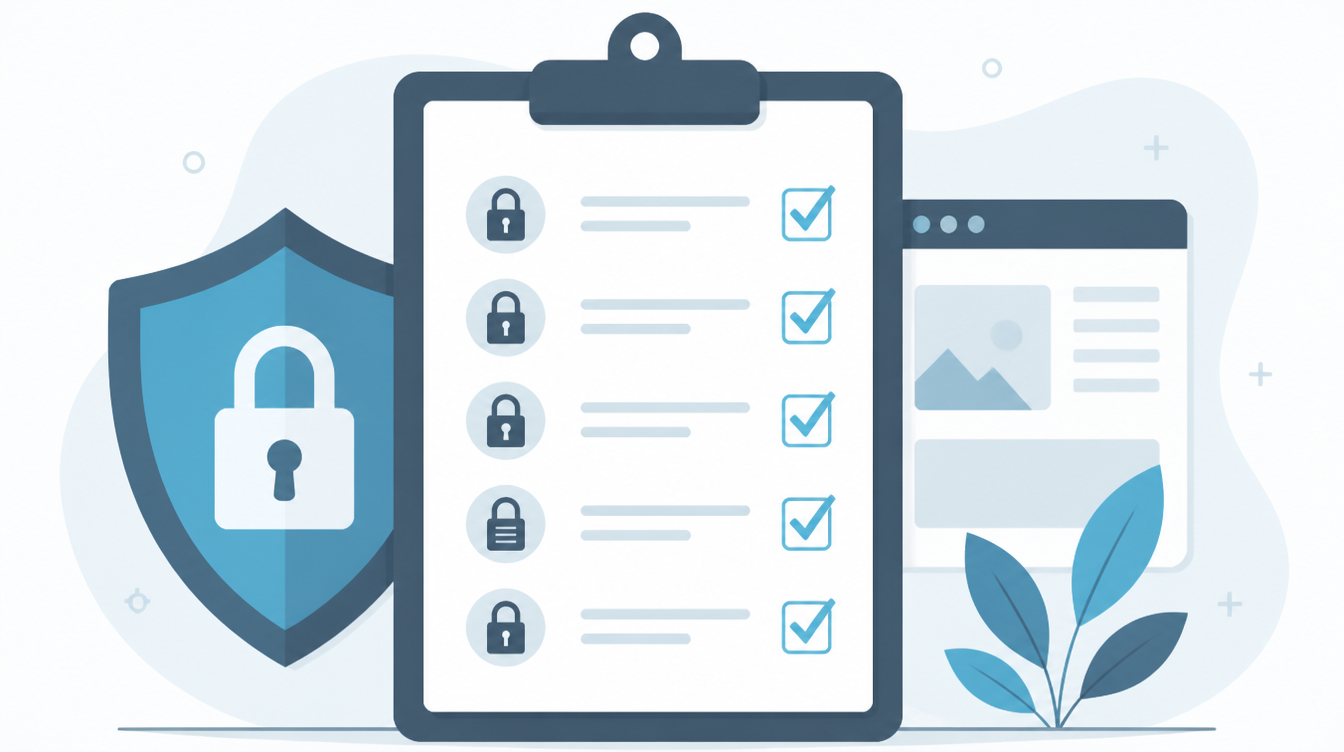
None of these individually guarantee safety, but together they close most of the common paths attackers actually use.
What Happens When These Are Skipped
Most website breaches aren’t sophisticated — they exploit basic, well-known gaps like outdated software versions or unvalidated form inputs. The cost of a breach typically includes downtime, data recovery, mandatory customer notifications, and reputational damage that often outlasts the technical fix by months.
Questions to Ask Your Developer
You don’t need to understand the code to have this conversation — ask directly whether your site follows PHP security best practices for input handling and database queries, when the PHP version was last updated, and whether dependencies are checked for vulnerabilities on a regular schedule. A developer following good practices should be able to answer these confidently and specifically, not vaguely.
Why This Matters More as Your Site Grows
A simple brochure site carries lower risk than one handling customer logins, payments, or sensitive data — but PHP security best practices matter for both, since even a simple site can be used as a stepping stone to attack visitors or send spam from a compromised server. We touched on the related question of platform choice in our piece on static versus dynamic websites, since a site’s architecture affects how much of this checklist actually applies.
A Realistic Look at What a Breach Actually Costs
Beyond the immediate technical cleanup, a compromised website often means notifying customers whose data may have been exposed, temporarily taking the site offline while the issue is resolved, and in some cases dealing with search engines flagging the site as unsafe, which can tank traffic for weeks even after the technical problem is fixed. None of these costs show up on a typical budget spreadsheet, which is exactly why security work often gets deprioritized until it’s too late.
How Often Should This Checklist Be Reviewed?
Security isn’t a one-time setup — it’s an ongoing practice. A reasonable cadence for most small-to-mid-sized business websites is a quarterly review of dependency versions and access logs, combined with immediate action whenever a critical security patch is released for the underlying PHP version or any major library the site depends on. Businesses that treat this as a scheduled, routine task tend to avoid the expensive, disruptive scramble that comes with reacting to an actual incident.
It’s also worth remembering that no single fix eliminates risk entirely — good security is a combination of habits, tools, and periodic checks rather than a one-time purchase. Businesses that build this into their regular maintenance routine, alongside things like backups and uptime monitoring, tend to treat security as simply part of running a website rather than a special project that only gets attention after something has already gone wrong.
How Digital Darzee Approaches This
We build every custom PHP and Laravel application with this checklist as a baseline, not an optional add-on, and we schedule regular dependency and version reviews rather than waiting for something to break. For the official, authoritative technical reference on secure PHP development, the OWASP Top 10 is the industry-standard resource developers use to prioritize security work.
Frequently Asked Questions
Looking for help with this in practice? Explore our custom software development services in Ludhiana.
Frequently Asked Questions
Do I need to be technical to follow these security practices?
No — most of the checklist is about asking your developer or agency the right questions, like whether inputs are sanitized and passwords are hashed properly.
What happens if a website skips basic security practices?
Skipped basics like input sanitization or outdated plugins are the most common way small business sites get hacked, defaced, or used to send spam.
How often should security practices be reviewed?
At minimum, whenever the site is updated or every few months, since new vulnerabilities in plugins and PHP versions are discovered regularly.
Not sure if your website follows basic security practices?
We’ll run a straightforward audit and tell you honestly what needs fixing.
Usually replies within a few hours