

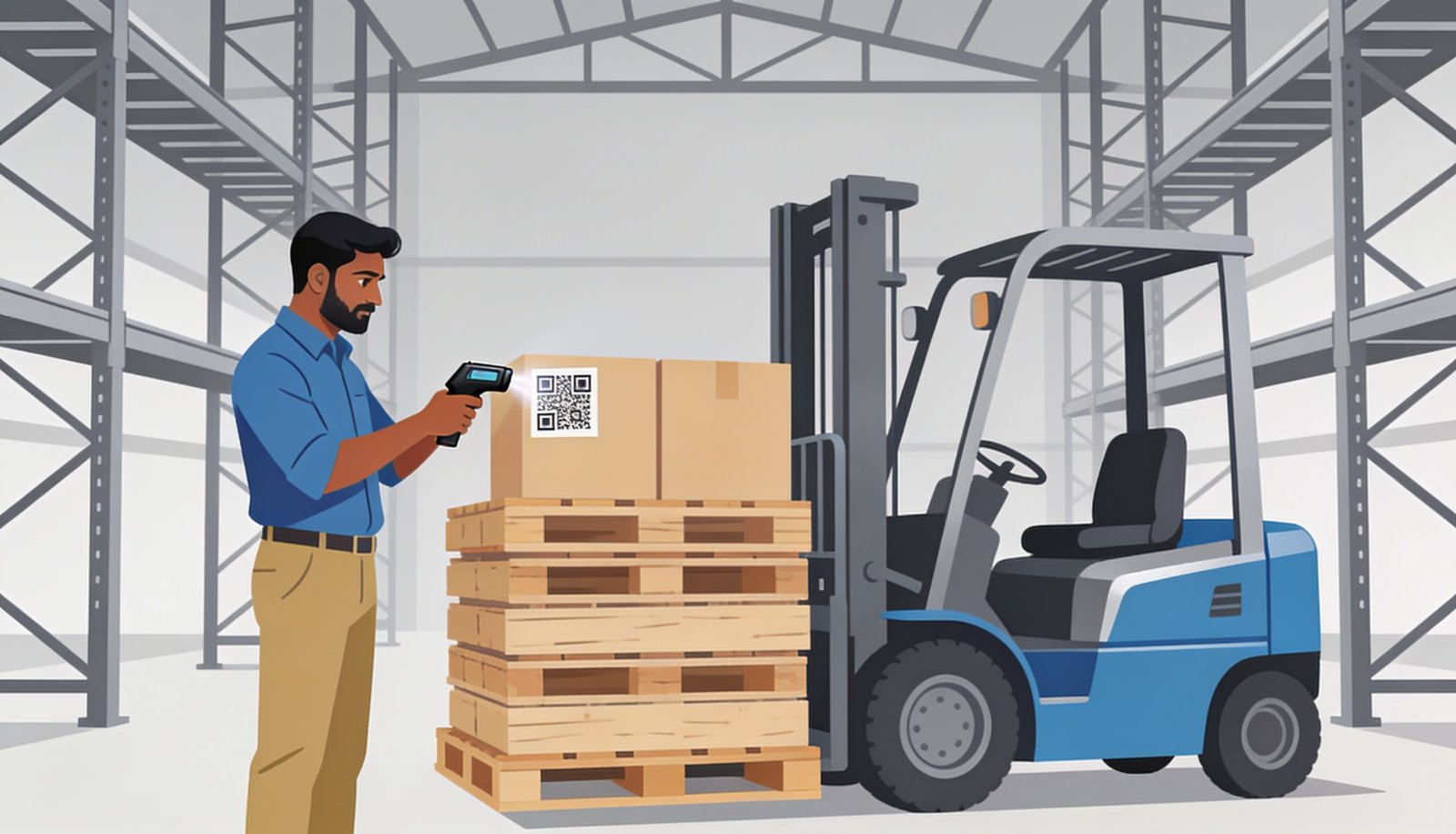
Barcode & QR-Based Stock Management: Setup Guide for Indian Warehouses & Godowns
Counting stock by walking every aisle with a notebook doesn’t scale past a few hundred SKUs. This guide walks through exactly how barcode and QR-based stock management gets set up in a real Indian warehouse — from labeling to daily scanning.
Most godown owners in Punjab still track stock the same way their fathers did — a register, a physical walk-through, and a lot of trust that nothing was missed. It works until the warehouse crosses a certain size, and then discrepancies between “what’s on paper” and “what’s actually there” start costing real money every month. Barcode and QR-based stock management fixes this at the root: every item gets a unique code, and every movement — in, out, or transferred — gets scanned and logged instantly.
📊 Manual Count vs. Barcode System vs. Full WMS
| What You Get | Manual Register | Barcode/QR System | Full Warehouse Software |
|---|---|---|---|
| Real-time accuracy | ✗ | ✓ | ✓ |
| Multi-floor / multi-godown view | ✗ | ~ | ✓ |
| Auto reorder + purchase linking | ✗ | ✗ | ✓ |
| Setup time | None | 1-2 weeks | 3-4 weeks |
⚙️ Setup, Step by Step
Audit & List Every SKU
Print & Apply Barcode/QR Labels
Map Shelf & Rack Locations
Train Staff on Scanners
Go Live with Daily Scanning
📖 What Actually Goes Wrong Without This
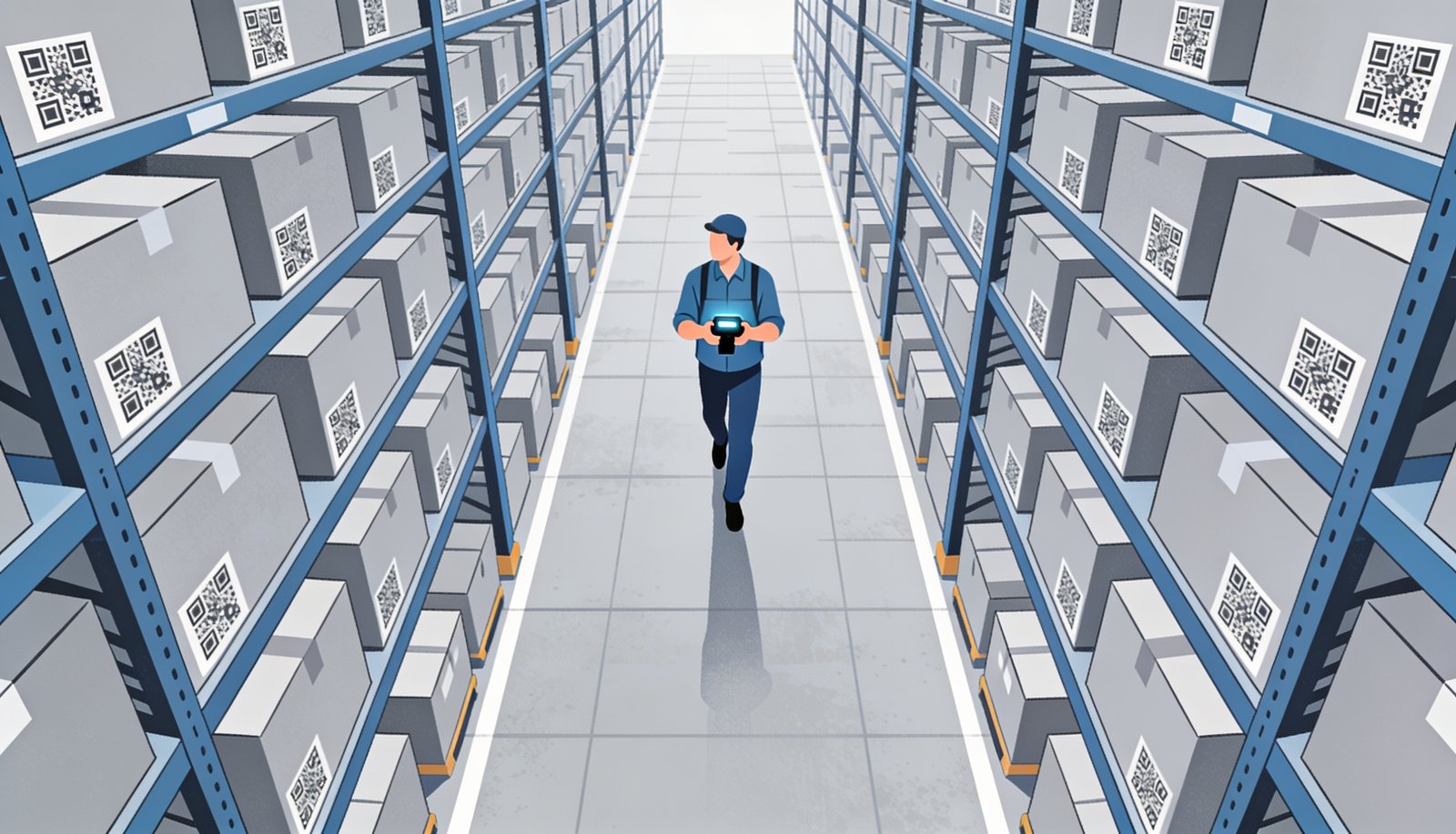
Warehouses running on manual registers typically lose track of stock in three places: goods received but not logged the same day, internal transfers between racks that never get updated on paper, and damaged or returned stock that quietly disappears from the count. None of this is anyone being careless — it’s simply too much to track by hand once you’re past a few thousand SKUs.
Unique Code Per SKU & Location
Every item and every shelf/rack gets its own barcode or QR — no ambiguity about what’s where.
Handheld or Phone-Based Scanning
Works with dedicated scanners or just a phone camera — no expensive hardware required to start.
Instant Stock Updates
Every scan — inbound, outbound, or transfer — updates the central count in real time.
Audit Trail on Every Movement
See exactly who moved what, when — useful for both accuracy and accountability.
💰 What This Costs to Set Up
For a single godown with a few thousand SKUs, barcode/QR tagging (printing, applying labels, and a basic scanning app) typically takes 1-2 weeks and is one of the lowest-cost upgrades a warehouse can make relative to the accuracy it buys back. If you want it fully connected to purchase orders, billing and multi-location transfers, that becomes a proper warehouse management build — still a one-time cost, not a recurring per-scan fee.
We’ve set this up for godowns handling everything from steel and hardware to textiles and FMCG, always starting with a physical SKU audit before any labels get printed.
❓ Barcode & QR Stock Management — Common Questions
❓ Do I need special scanner hardware?
No — a phone camera can scan standard barcodes and QR codes; dedicated handheld scanners are faster for high-volume warehouses but not required to start.
❓ What if some of our stock doesn’t have a barcode from the supplier?
We generate and print in-house QR labels for any item that doesn’t already come barcoded.
❓ Can it handle multiple godowns or floors?
Yes — each location and rack gets its own code so stock transfers between locations are tracked, not just counted.
❓ How long before staff are comfortable using it?
Most warehouse staff are scanning confidently within a day or two of training — it’s simpler than the paper process it replaces.
We’ve set up barcode and QR stock systems for warehouses and godowns across Punjab who were losing hours every month to manual counts. Explore our ERP software and custom software development, or get in touch for a setup walkthrough.
🏷️ Know Exactly What’s In Your Warehouse
Let’s set up a real-time, scannable stock system for your godown.