Salon & Spa Management Software: Complete Feature Checklist for 2026
Most salon software covers booking and billing — and stops there. Here’s the full checklist we recommend, based on what actually protects margins and grows repeat business.
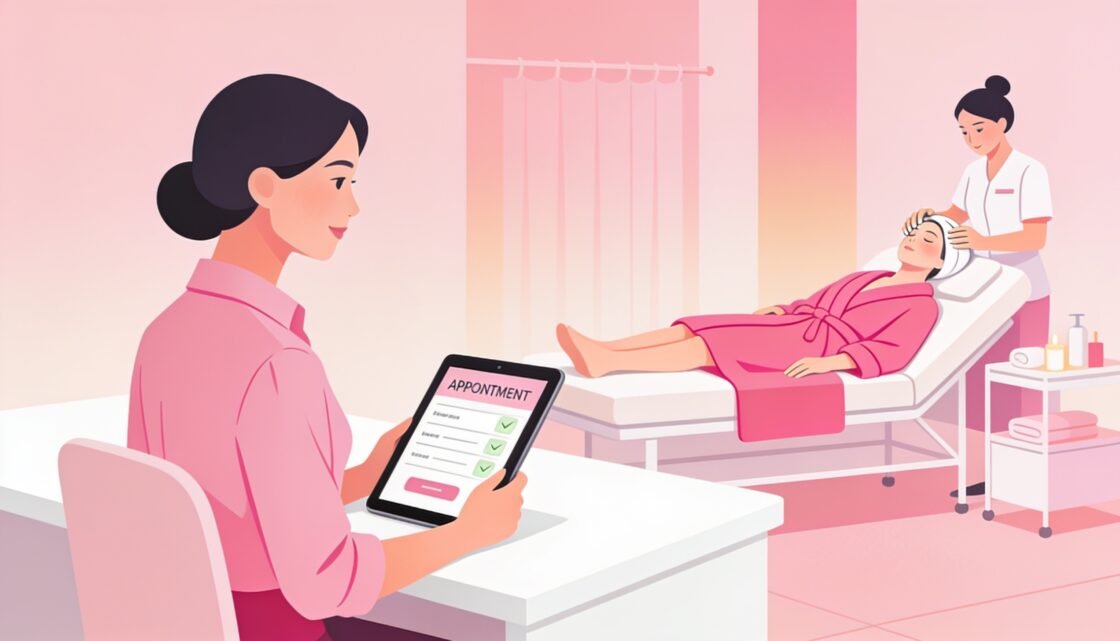
Booking and billing are the bare minimum for salon software. The features below are what separate a system that just processes transactions from one that actively protects stock, rewards loyal clients and holds staff accountable.
✅ The Full Feature Checklist
🔍 The Feature Most Salons Skip — And Regret It
Job-card-wise consumable tracking is the single most skipped feature, and the one that catches the most quiet margin loss. Without it, there’s no way to know if a service is consistently using more product than it should — whether from technique, waste, or something less innocent.
❓ Frequently Asked Questions
Do we need all these features from day one?
No, most salons start with booking, billing and job cards, then add loyalty, WhatsApp marketing and advanced reporting as the business grows.
Can this integrate with our existing POS hardware?
Yes, we build to work with standard barcode scanners and receipt printers already in use.
Is this only for salons, or does it work for spas too?
The same feature set works for spas, wellness centers and combined salon-spa businesses.
How is this different from off-the-shelf salon software?
Off-the-shelf tools rarely offer job-card-wise consumable tracking or OTP-secured redemptions — these are typically custom-built additions.
See exactly how these features came together in practice: Manisha Beaute Co Case Study.
Comparing Salon Software for Your Business?
Talk to Digital Darzee about building the exact feature set your salon or spa needs.