Case Study: Custom Salon & Spa Management Software
Some needed one system to run appointments, stock, staff incentives and customer rewards together — not five disconnected tools. Here’s what we built.

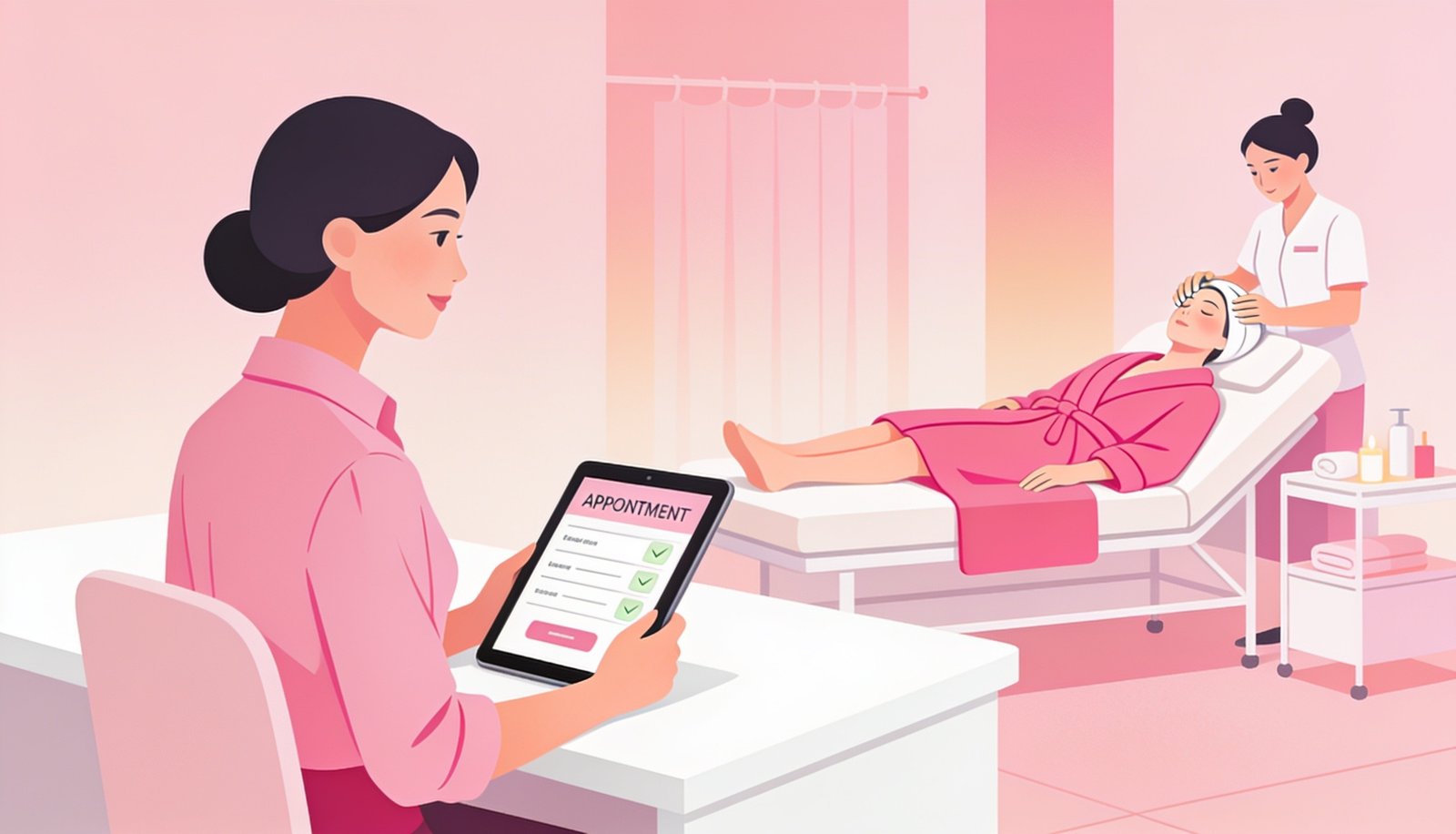
GlowPoint Salon & Spa runs a full-service salon and spa business, and like most growing salons, they were managing appointments on one tool, billing on another, and tracking product stock and staff performance manually. We built a single custom system covering every part of daily operations, spanning stock control, service delivery, billing, client engagement and staff management. The sections below walk through the full build in detail, organized by category so the scope of what actually went into this project is clear from end to end.
🎯 The Business Challenge Behind the Project
Before any development started, we spent time simply observing how the salon actually ran day to day — not how the owner assumed it ran. What we found is common across the salon and spa industry, but it’s rarely written down anywhere: front-desk staff were juggling a paper appointment diary, a separate notebook for package/membership balances, WhatsApp messages for client offers, and a monthly manual tally to work out staff incentives. Stock counts for retail products and back-of-house consumables lived in yet another register, updated inconsistently depending on how busy the day was.
None of these systems talked to each other. A client’s membership balance wasn’t visible from the billing counter unless someone flipped back through the notebook. A staff member’s incentive for the month couldn’t be confirmed until the owner sat down for a few hours at month-end to manually total everything from memory and receipts. And because retail stock, backend stock and job-card usage were three separate records, nobody could say with confidence exactly how much of a given shampoo or cream a single service was supposed to use — which meant there was no way to catch overuse, waste, or shrinkage until it had already happened repeatedly.
The brief from GlowPoint Salon & Spa wasn’t “build us an app.” It was closer to: give us one place where every part of the business — stock, services, staff, clients and marketing — is connected, so nothing has to be manually reconciled at the end of the day or month. That’s the lens through which every module below was designed.
🧾 What We Built, Step by Step
 📦 Stock & Inventory Control
The foundation of the entire system is knowing exactly what stock exists, where it physically is, and what happened to it — down to the individual job card. Five modules make up this layer, and they were built and rolled out first because every other category depends on this data being accurate.
✔ Caught misplaced/untracked stock within the first stock cycle that a single combined count would have missed.
✔ Reduced billing time per retail sale and eliminated manual product-lookup pricing errors.
✔ Surfaced theft/leakage patterns tied to a specific shift and product category within the first audit cycle.
✔ Gave management, for the first time, a real per-service consumption benchmark instead of guesswork.
✔ Became the primary early-warning report management checks weekly to catch waste or misuse before it compounds.
 💇 Service Delivery & Client Management
Every service, package and discretionary action a client receives is logged — and where it matters, approved — closing the small leaks that add up over a year. This is the layer front-desk and service staff interact with most, so usability mattered as much as accuracy here.
✔ Eliminated the paper trail entirely and made every service instantly traceable to a client, staff member and product batch.
✔ Removed disputes over “how many sessions are left” and surfaced renewal opportunities automatically.
✔ Closed a specific counter-level leakage point that existed under the old manual register system.
✔ Gave management visibility into the real cost of goodwill services without distorting sales figures.
✔ Brought all discounting under a single accountable approval trail instead of counter-level discretion.
 💰 Sales, Billing & Reporting
Every rupee that moves through the counter — service, retail, food, or advance — is tracked separately and then reconciled into one clear picture for the owner. Seven modules sit in this category, spanning both the billing counter itself and the reports built on top of it.
✔ Gave clear, separated visibility into retail revenue contribution versus service revenue.
✔ Removed food/beverage revenue from muddying service and retail sales analysis.
✔ Reduced average checkout time and eliminated billing category confusion at the counter.
✔ Removed the need to track advance payments manually in a separate register.
✔ Became the core report used to decide staff scheduling and service promotions.
✔ Replaced multiple manual registers with one authoritative revenue report.
✔ Gave visibility into whether the food/beverage offering is worth the operational overhead.
 📱 Client Engagement, Booking & Loyalty
Getting a client in the door once is only half the job — this layer is about making booking effortless and giving people a reason to come back. These six modules were rolled out last, deliberately, once the operational foundation underneath them was stable.
✔ Reduced front-desk phone call volume and missed-booking confusion.
✔ Delivered app-like convenience without the download friction that kills most salon app adoption.
✔ Delivered significantly higher open rates than the SMS/flyer methods previously used.
✔ Created a repeat-visit incentive that doesn’t require discounting the current transaction.
✔ Added a playful engagement layer that increased social sharing and repeat interest.
✔ Turned client retention from a guess into a specific, actionable weekly list.
 👥 Staff & Operations
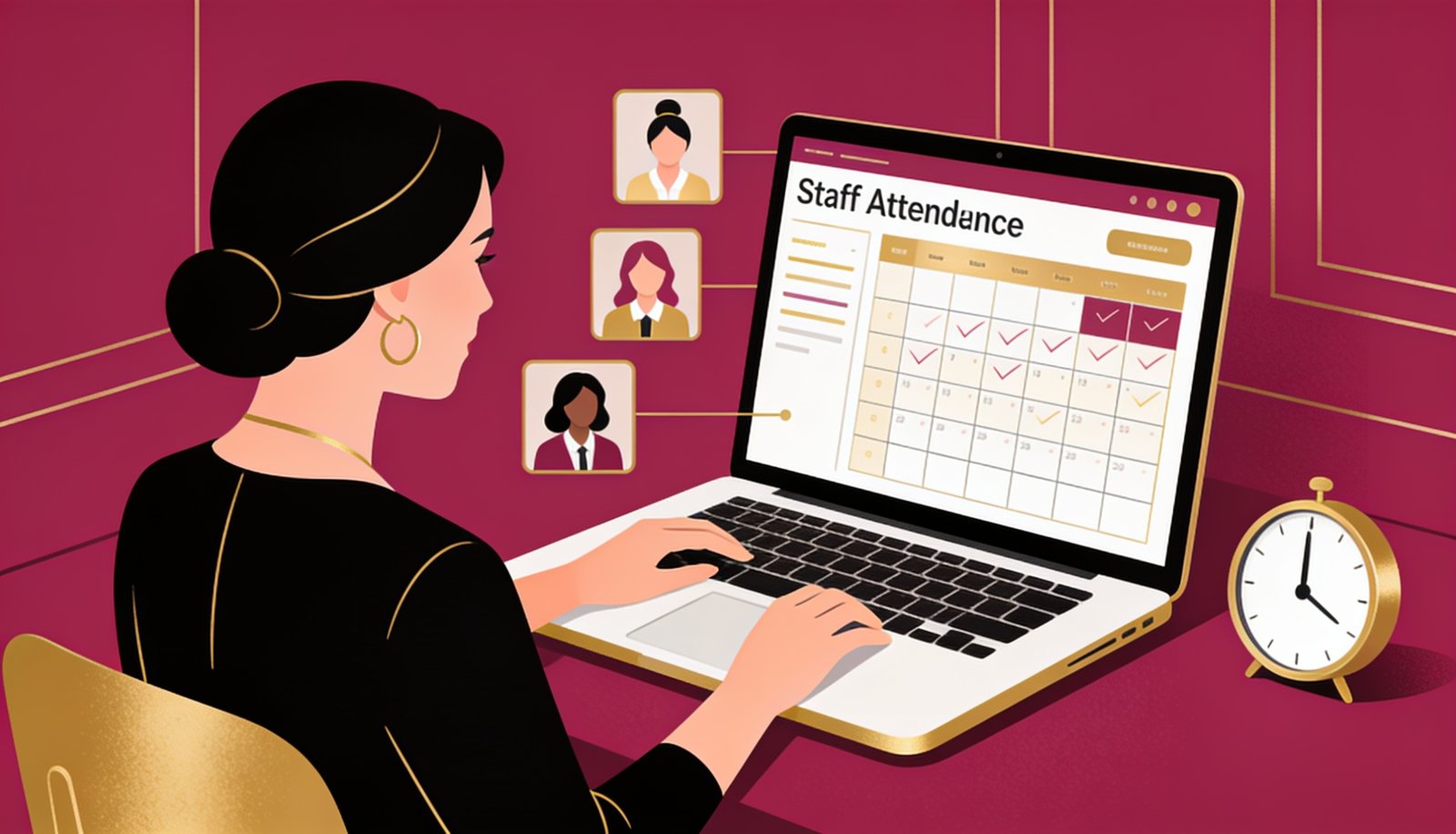
A system this detailed is only sustainable if the people running it are measured fairly and transparently — this is where staff incentives are calculated. It is a single module, but arguably the one most responsible for staff actually trusting the rest of the system.
✔ Removed the most common source of staff-management friction — unclear or delayed incentive calculations.
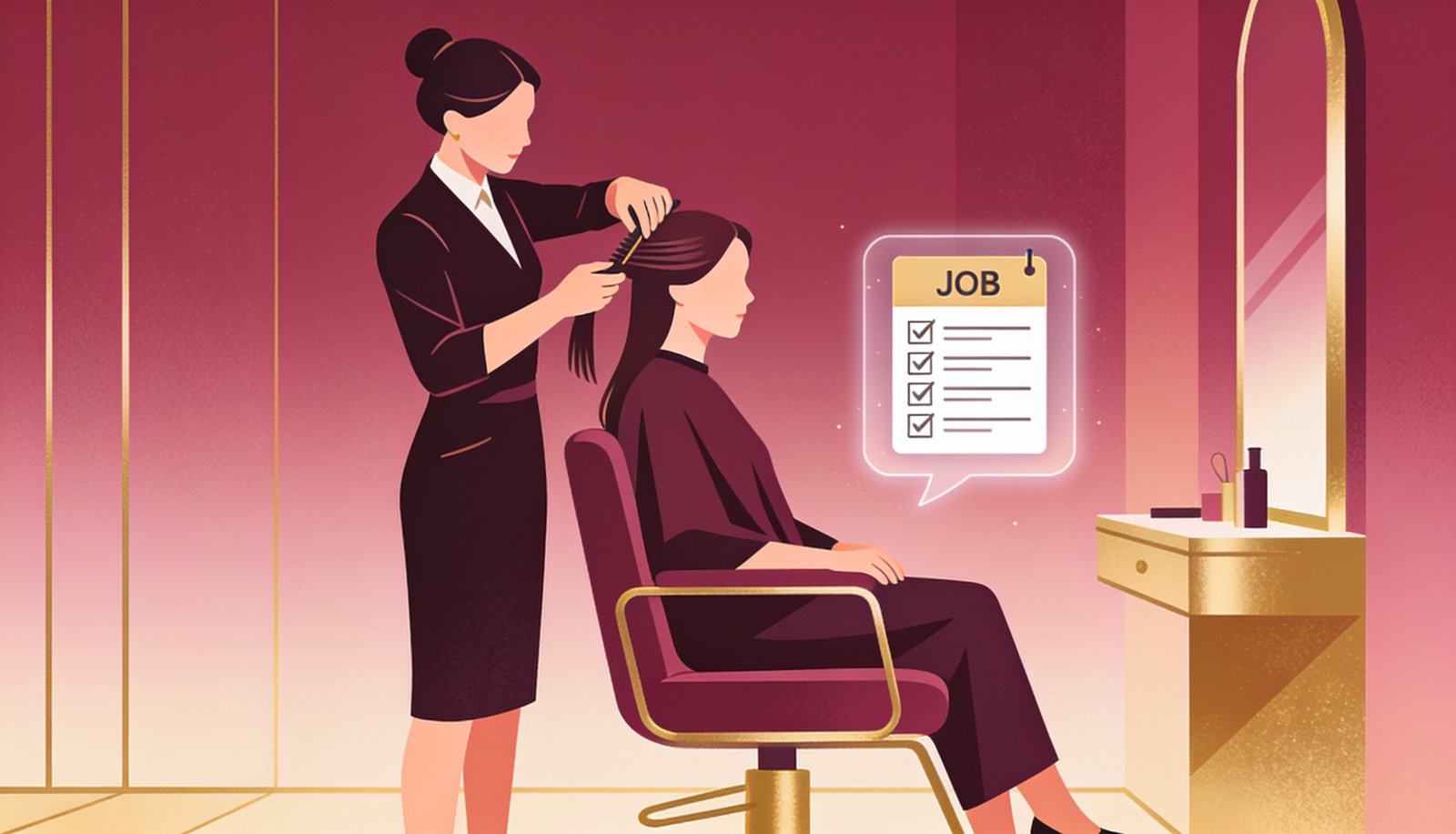
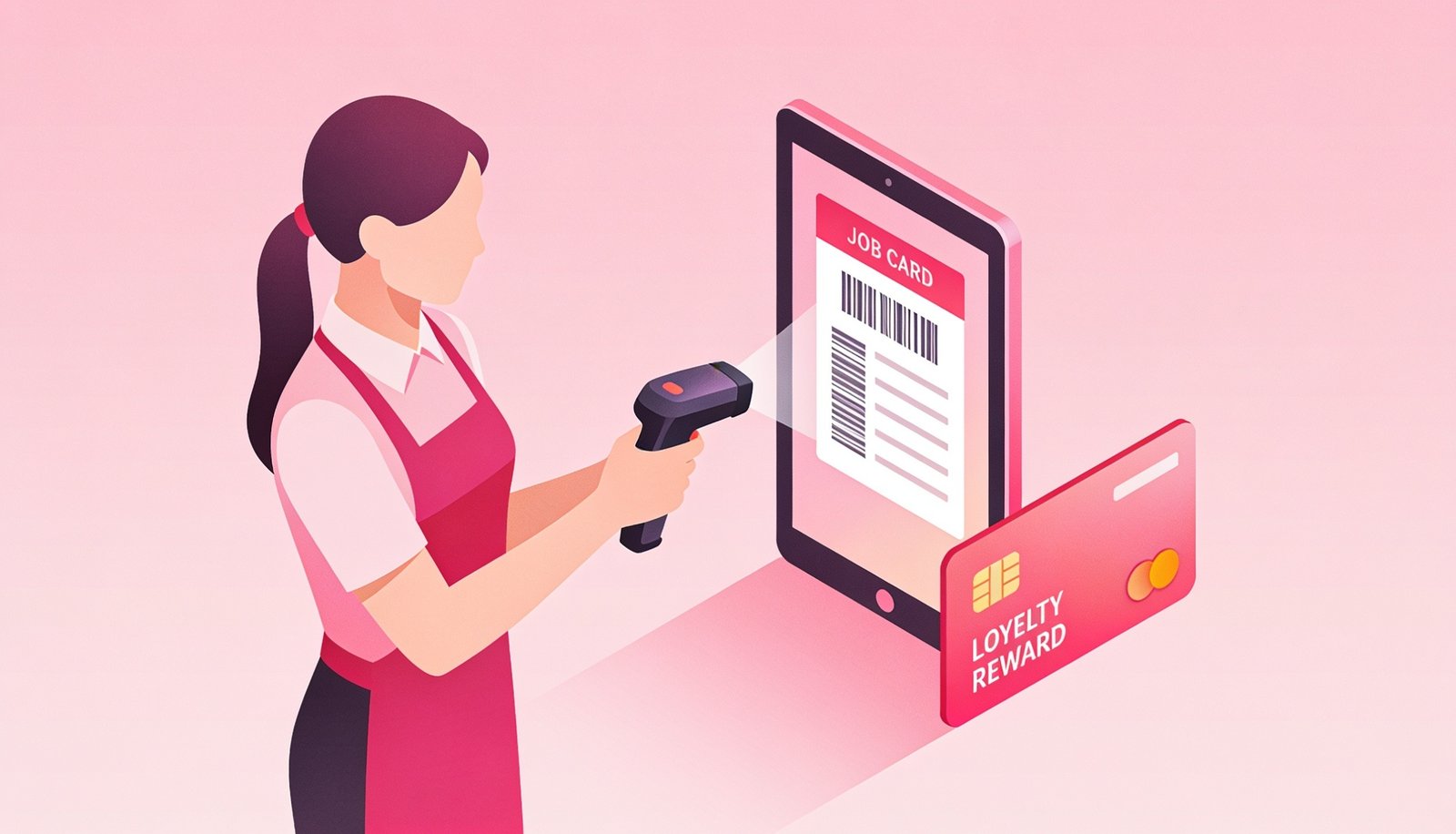 Every job card ties directly into stock usage, consumable tracking and staff incentives
🏗️ How We Approached the Build
With 24 distinct modules on the requirement list, the biggest risk to a project like this isn’t any single feature — it’s ending up with 24 features bolted onto separate databases that don’t actually talk to each other. So before writing any module-specific logic, we built one shared data layer: a single client profile, a single product/stock ledger, and a single job-card record that every other module reads from and writes to. Stock management, billing, reports, loyalty and staff incentives are effectively different views into that same underlying data, not five different systems pretending to be one.
We rolled the system out in four phases rather than switching everything on at once, which matters a lot for a live, walk-in business that can’t afford a broken billing counter during business hours:
This phased approach meant staff learned one new layer at a time instead of being handed 24 new features on day one, and it meant modules that depend on historical data (like consumable averages) had real numbers to work with by the time they went live.
📊 Reports the Owner Actually Uses
Service report, sale report, food sale report, complimentary services report, non-repeat client report, consumable usage report, and advance payment report — all generated automatically instead of compiled manually at month-end.
🎯 The Result
Instead of five separate tools for booking, billing, stock and staff tracking, GlowPoint Salon & Spa now runs the entire operation — from a client walking in to their next appointment reminder — from one connected system. What used to require checking a paper register, a separate notebook, and a phone full of WhatsApp chats now happens inside a single job card and a single client profile.
Just as importantly, none of these 24 modules exist as isolated features bolted onto the side. A client’s Glow Points, package balance, visit history and consumable impact all trace back to the same underlying profile — so a report generated for stock auditing and a report generated for marketing re-engagement are pulling from the same accurate source, not two different guesses about the same client.
💬 What Changed for the Team, Not Just the Numbers
The measurable results — fewer disputes, faster billing, clearer reports — are only part of the story. What actually changed daily behavior was smaller than that: front-desk staff stopped needing to interrupt a busy counter to go check a paper register for someone’s package balance. Stylists stopped guessing whether they’d used “about the usual amount” of a product, because the job card showed them the running average right there. And at month-end, the owner stopped spending an entire evening manually calculating who earned what incentive — the number was already sitting on each staff member’s dashboard, which also meant far fewer end-of-month conversations that started with “that doesn’t seem right.”
Client-facing changes were just as noticeable. Regulars who used to call in for appointments started booking directly through the PWA, and staff reported that WhatsApp offer messages got replies within minutes in a way that old SMS blasts never did. The Glow Point and scratch card system turned what used to be one-off visits into something clients actively tracked and talked about — several clients began asking staff directly how many points they had left, which is exactly the kind of engagement a loyalty system is supposed to create.
🔧 Integration Points We Had to Get Right
A system with this many modules only works if it fits into the physical reality of a salon counter, not just a screen. A few integration details mattered more than the feature list itself: the barcode scanner had to work with the same hardware already sitting at the counter rather than requiring new equipment, the POS slip printer needed to handle the combined services-plus-retail-plus-food bill format without a separate print job for each category, and the WhatsApp Business API connection had to go through Meta’s official business verification rather than an unofficial gateway that risks the number being banned during a busy festival season.
We also made sure the OTP flows for redemptions and discounts didn’t depend on the client’s phone having strong signal inside the salon — OTPs queue and retry automatically rather than failing silently, since a stuck OTP at a busy counter creates exactly the kind of friction this project was meant to remove.
🔭 What’s Next for This System
A few modules on the current roadmap, planned as natural extensions once the current 24 modules have a full quarter of usage data behind them: a staff-performance leaderboard view (built on top of the existing Service Report and incentive data, just presented differently for team motivation), an automated low-consumable-stock reorder suggestion (extending the Consumable Report to recommend reorder quantities rather than just flagging usage bands), and a client-facing loyalty tier system layered on top of Glow Points, so top clients get recognized status rather than just a running point balance.
None of these are separate systems bolted on afterward — because every module in this build reads from the same client, stock and job-card data, adding a new report or client-facing feature is a matter of building a new view on existing data, not standing up a new database and reconciling it with everything else. That underlying design decision is, in many ways, the real deliverable of this project — the 24 modules above are what it looks like in practice today, but the architecture is what makes the next 24 possible without starting over.
🧭 Design Principles We Followed Throughout
Three principles kept coming up as we built out all 24 modules, and they’re worth naming explicitly because they explain why certain decisions were made the way they were, rather than the more “standard” salon software approach.
First, friction should sit where accountability matters, and nowhere else. That’s why OTP approval exists specifically on redemptions and discretionary discounts — the two places where counter-level leakage historically happens — but not on routine actions like opening a job card or logging a retail sale. Adding approval friction everywhere would have slowed the counter down without actually protecting anything extra.
Second, every number should be explainable, not just displayed. The consumable report doesn’t just say a product is “high usage” — it shows the average it’s being compared against and which job cards drove the deviation. The incentive calculation doesn’t just show a final number — staff can see exactly which services and sales contributed to it. A system that just displays numbers without explaining them tends to get ignored the first time it produces a number someone disagrees with; a system that shows its work gets trusted.
Third, client-facing features had to reduce staff work, not add to it. Online booking, the PWA, and WhatsApp marketing were all evaluated on one question: does this reduce a manual task the front desk currently does, or does it just add a new screen for staff to maintain? Online booking reduces phone-answering load. Automated WhatsApp offers replace manual message copy-pasting. If a proposed feature would have added staff workload without removing an equivalent amount elsewhere, it was reconsidered or simplified before going into the build.
❓ Frequently Asked Questions
Can this system work for a single-location salon too?
Yes, the modules scale down for single-location salons — you don’t need multiple branches to benefit from job-card-wise stock tracking or the loyalty system.
Does the WhatsApp marketing module require separate approval?
Yes, it uses the official WhatsApp Business API which requires Meta verification and template approval — we handle this as part of setup.
How long did this project take to build?
The full module set was built and rolled out over approximately 8-10 weeks, including staff training on the job-card and POS workflows.
Can other salons get the same combination of features?
Yes — see our companion guide below for the full feature checklist we recommend for salon and spa businesses in general.
How does the system decide what counts as “average” consumption for a product before enough history exists?
For the first few weeks on a new product, the system uses a conservative industry-standard estimate, then automatically recalculates the true average once enough job cards have logged real usage data — typically within 20-30 services.
Can management restrict which staff can approve OTP-based discounts or redemptions?
Yes, OTP approval routing can be restricted to specific admin/manager roles rather than being open to all staff, which keeps the accountability trail meaningful.
What happens to Glow Points and package balances if a client visits a different branch in the future?
Since everything is tied to one client profile rather than a branch-specific record, points, packages and history stay with the client regardless of which location they visit, if the business expands to multiple branches.
Is staff training required to use all 24 modules, or is it rolled out gradually?
We rolled this out in four phases specifically so staff weren’t trained on all 24 modules at once — each phase came with focused training only on the modules going live at that stage.
Can this same system be adapted for a different salon or spa business?
Yes — the underlying module set is reusable for any salon or spa business; see our companion guide below for the general feature checklist we recommend evaluating.
Want the full feature list to compare against your own salon software? Read: Salon & Spa Management Software: Complete Feature Checklist for 2026.
Running a Salon or Spa Without a Connected System?
Talk to Digital Darzee about building software like this for your business.