

Inventory Management Software vs Excel: When Spreadsheets Stop Working
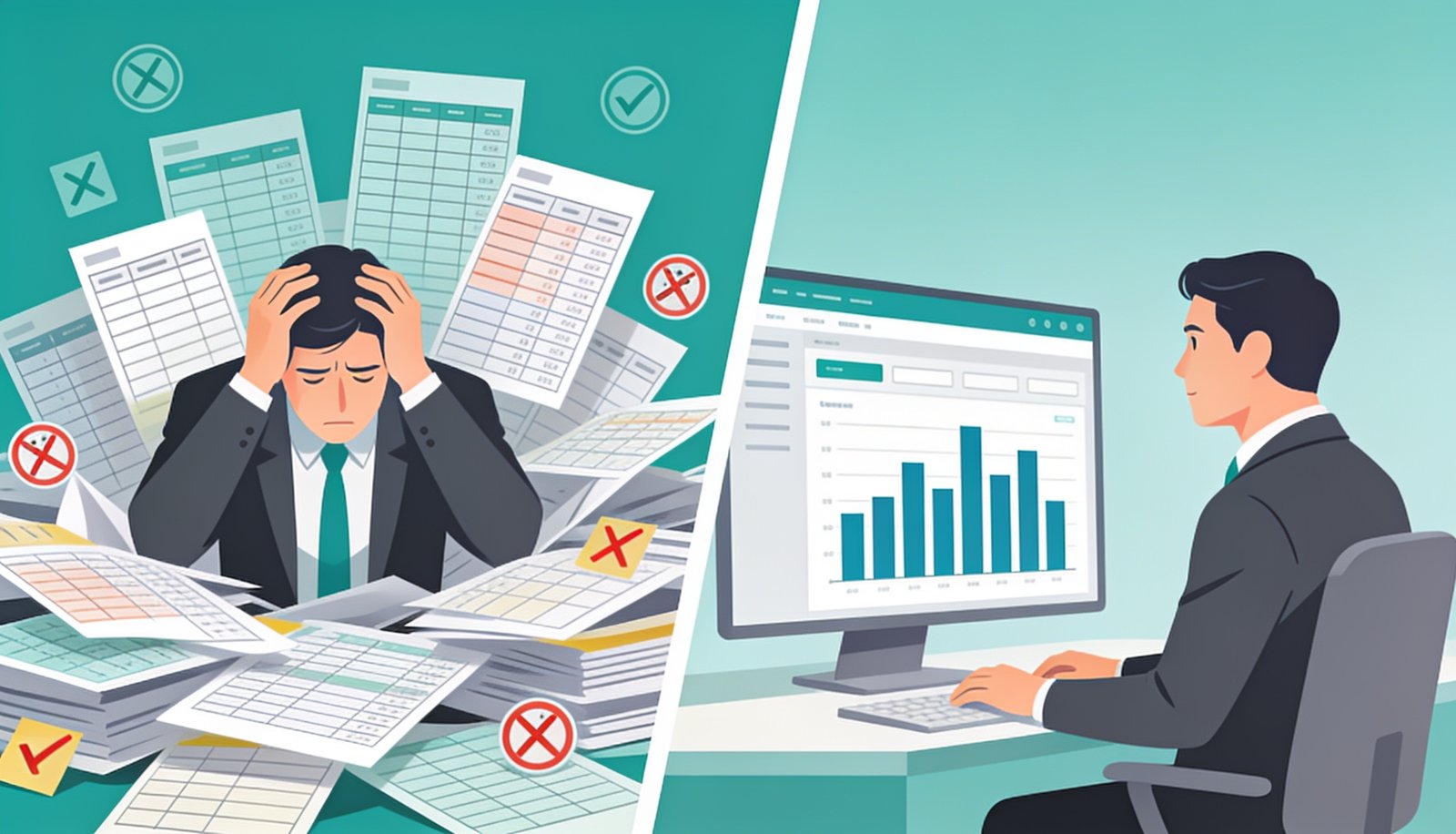
Excel isn’t wrong for every business — but there’s a specific point where it quietly starts costing you more than it saves.
Almost every business starts tracking stock in Excel, and for a while, that’s perfectly reasonable. The question worth asking isn’t whether Excel is “bad” — it’s whether your business has already crossed the point where inventory management software would pay for itself many times over in prevented mistakes and saved time.
The Warning Signs You’ve Outgrown Excel
Why This Happens Even to Careful Teams
Excel wasn’t built to be a real-time, multi-user database — it’s a calculation tool that happens to be flexible enough to track stock for a while. As order volume, SKU count, or team size grows, the manual discipline required to keep a spreadsheet accurate grows right along with it, and eventually the odds of a costly mistake — a stockout, a duplicate order, an incorrect reorder — start rising faster than most teams notice.
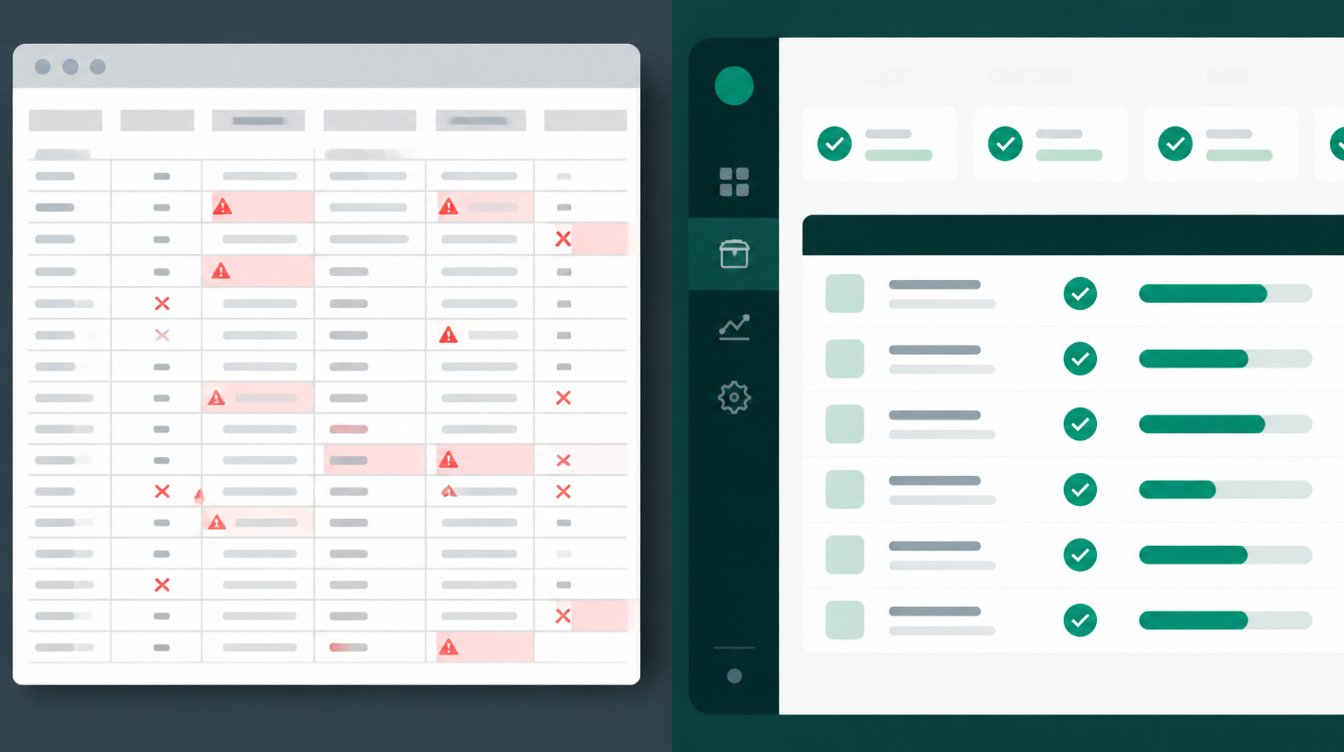
A spreadsheet has no built-in way to flag a duplicate entry or a stock count that doesn’t add up — inventory management software checks this automatically, in real time.
What dedicated software Actually Adds
| Capability | Excel | Inventory Management Software |
|---|---|---|
| Real-time multi-user updates | Conflicts likely | Built in |
| Automatic low-stock alerts | Manual only | Automated |
| Multi-location stock sync | Manual merging | Real-time sync |
| Barcode scanning | Not supported | Native support |
| Audit trail of changes | Limited/none | Full history |
| Reporting and forecasting | Manual formulas | Built-in dashboards |
When Excel Is Still Fine
If you’re a single-location business with a small, stable product range and one person managing stock, Excel can remain a perfectly reasonable tool — the cost of switching may not be justified yet. This mirrors a decision we’ve written about before when comparing custom software against off-the-shelf tools for growing businesses: match the tool to your actual scale, not to what looks more sophisticated.
How to Make the Switch Without Disrupting Operations
The safest path is usually a parallel run — keep the spreadsheet going for a few weeks while the new dedicated software is populated and verified against it, only fully switching over once stock counts consistently match. This avoids the common failure mode of migrating everything at once and discovering data problems mid-transition. For a broader look at inventory-specific tooling, the Investopedia overview of inventory management concepts is a useful starting reference.
The Hidden Cost of Staying With Excel Too Long
The real cost of an outgrown spreadsheet rarely shows up as one dramatic failure — it shows up as a steady drip of small losses that are individually easy to shrug off and collectively expensive: an order fulfilled from stock that didn’t actually exist, a reorder placed for something that was already overstocked, a customer who walked away because a staff member couldn’t confirm availability quickly enough. None of these feel like a crisis in the moment, which is exactly why so many growing businesses keep patching the spreadsheet instead of replacing it, often for a year or two longer than makes financial sense.
What a Realistic Transition Timeline Looks Like
Most businesses can move from spreadsheet to proper software over four to six weeks without disrupting daily operations: the first week or two goes toward mapping your current product catalog and stock locations, the following two weeks toward configuring the new system and running it in parallel with the spreadsheet, and a final week confirming that stock counts match before retiring the old file entirely. Rushing this timeline is usually where data problems creep in, so treating it as a proper short project, rather than something to squeeze in after hours, tends to produce a much smoother result.
How Digital Darzee Approaches This
We build custom inventory management software tailored to how a specific business actually operates — not a generic template — so the switch from Excel feels like a natural upgrade rather than a disruptive overhaul, with your existing stock data migrated carefully rather than re-entered from scratch.
Frequently Asked Questions
Looking for help with this in practice? Explore our inventory & stock management software for Ludhiana businesses.
Frequently Asked Questions
When should a business move from Excel to inventory software?
Once you’re managing stock across more than one location, dealing with frequent stockouts, or spending hours reconciling spreadsheets, it’s time to switch.
Is inventory software hard to learn compared to Excel?
Most modern inventory software is simpler day-to-day than a complex spreadsheet, since it automates calculations that Excel requires manual formulas for.
Can inventory software integrate with billing and GST?
Yes, most custom inventory systems built for Indian businesses include GST-ready billing and stock valuation reports out of the box.
Still tracking stock in Excel?
We’ll show you what inventory management software would look like for your specific business.
Usually replies within a few hours