


Laravel Queues Explained: Why Your App Feels Faster With Them
The difference between an app that feels instant and one that makes visitors wait often comes down to one architectural decision.
If you’ve ever clicked “submit” on a form and waited several seconds for a spinning icon before the page responds, you’ve experienced what Laravel queues are specifically designed to prevent. Understanding what they do doesn’t require reading code — just knowing what problem they solve and why it matters for your business’s user experience.
What Laravel Queues Actually Do
Some tasks a website needs to do — sending an email, generating a PDF report, resizing an uploaded image, notifying a third-party system — don’t need to happen instantly for the visitor to move on. Laravel queues let these slower tasks run in the background after the response, so a visitor sees an immediate confirmation while the slower work finishes a moment later, invisibly.
Without Queues
Every task runs immediately in the request cycle — the visitor waits for the slowest step (like sending an email) before seeing any response at all.
With Laravel Queues
The visitor gets an instant response while slower tasks like emails, reports, and notifications process in the background.
Mail::to($user)->send(new OrderConfirmation($order));
// With a queue – visitor gets an instant response
Mail::to($user)->queue(new OrderConfirmation($order));
Common Uses for Laravel Queues
Sending Emails
Order confirmations, password resets, and newsletters send in the background without delaying the page.
Image Processing
Resizing and optimizing uploaded photos happens after the upload confirmation, not before.
Report Generation
Large PDF or Excel exports run in the background instead of freezing the page for minutes.
Third-Party Notifications
Sending data to payment gateways, SMS providers, or CRMs happens without blocking the user.
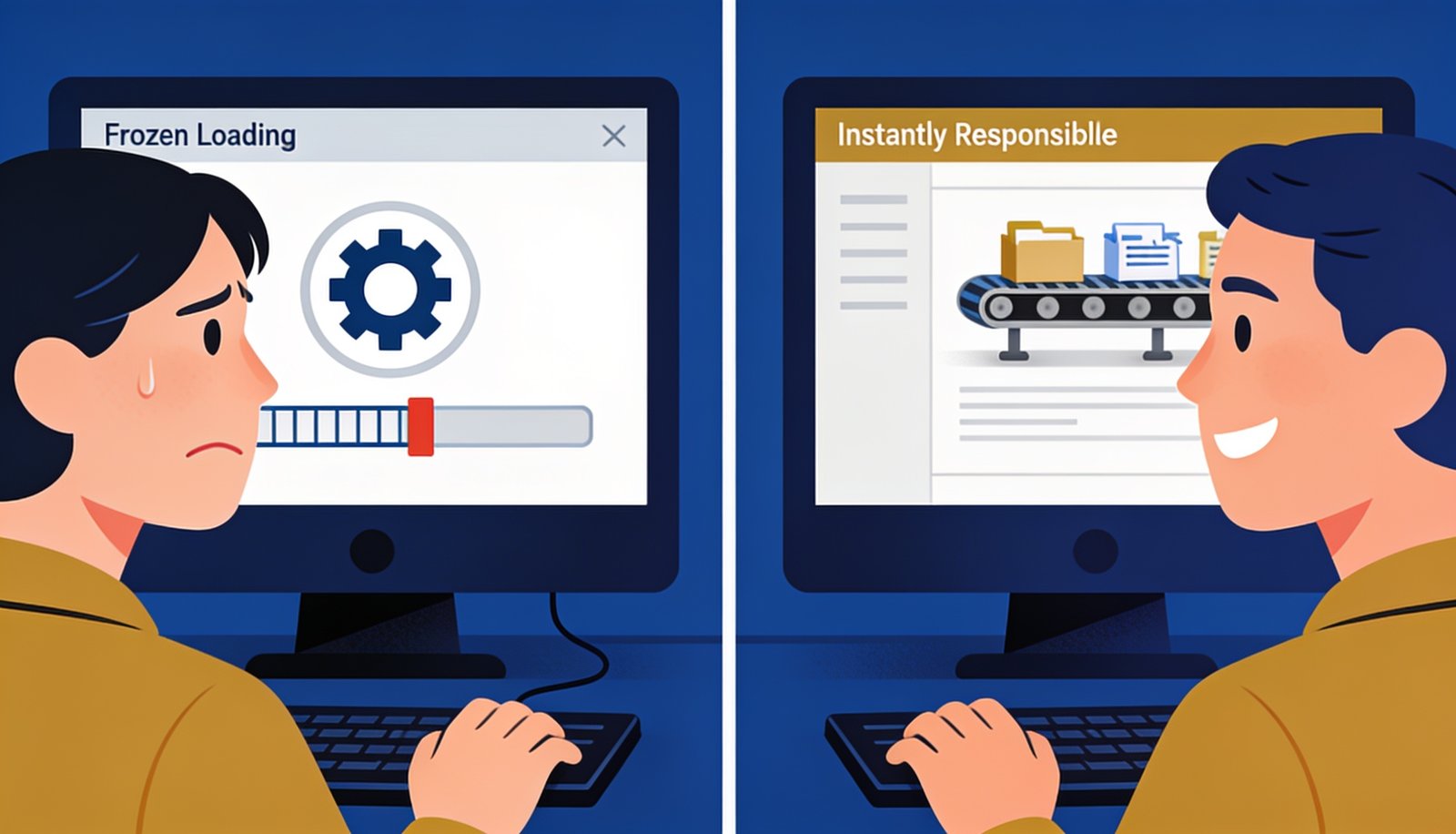
The visitor experience is the whole point — queues move the waiting behind the scenes where it doesn’t cost you a frustrated customer.
Why This Matters for Business Outcomes, Not Just Code Quality
Slow-feeling apps directly cost conversions — visitors abandon forms, checkouts, and signups when a page takes too long to respond, regardless of whether the delay comes from a slow server or a slow task hiding inside the request cycle. Laravel queues are one of the most cost-effective ways to fix this specific kind of slowness, since the fix is architectural rather than requiring more expensive hosting.
When You Should Ask Your Developer About This
If your application sends emails, generates reports, processes uploaded files, or talks to any external service, it’s worth asking whether Laravel queues are already being used for those specific tasks. This connects to the broader theme we covered in our piece on Laravel’s recent framework updates, where small architectural improvements like this often matter more to real-world performance than headline feature releases.
A Real Example of the Difference
Consider an e-commerce checkout that sends an order confirmation email, notifies a warehouse system, and generates an invoice PDF the moment a customer completes payment. Without background processing, the customer stares at a loading spinner while all three of those steps run one after another — easily five to ten seconds on a slow day. With the work queued, the customer sees their order confirmation page instantly, while the email, warehouse notification, and invoice generation all happen within the next few seconds behind the scenes, completely invisible to them.
Getting Started Without Overcomplicating Things
Adopting this pattern doesn’t require queuing everything on day one. A sensible starting point is identifying the single slowest task in your most-used flow — often email sending or file processing — and moving just that one task to a queue first. Once that’s working reliably, expanding the pattern to other slow tasks becomes a matter of repeating the same straightforward change rather than a large architectural overhaul.
How Digital Darzee Approaches This
We use Laravel queues by default for any task that doesn’t need to block the visitor’s immediate response, treating background processing as a standard part of good architecture rather than an optional optimization added later. For the complete technical documentation on queue drivers and configuration, Laravel’s official queue documentation is the definitive reference.
Frequently Asked Questions
Looking for help with this in practice? Explore our custom software development services in Ludhiana.
Frequently Asked Questions
What is a Laravel queue used for?
A queue lets slow tasks like sending emails, processing images, or generating reports run in the background instead of making the user wait, so pages load and respond faster.
Do I need Redis to use Laravel queues?
No — Laravel queues work with a database driver out of the box. Redis is a common upgrade for higher-traffic apps but isn’t required to get started.
Will adding queues slow down my server?
No, the opposite — queues move heavy work off the main request cycle, so your server handles more traffic with the same resources.
Is your app making visitors wait unnecessarily?
We’ll review your architecture and identify where background processing would help.
Usually replies within a few hours