How We Built Palatial Studios: A Full-Stack Architecture Marketplace for the Design and Construction Industry
Palatial Studios is a marketplace connecting architects, interior designers, builders, and material vendors — built entirely by Digital Darzee on Laravel and HTML. This is the full story: the problem, the solution, the tech decisions, and the results.
The Client: Palatial Studios
Palatial Studios — palatialstudios.com
Palatial Studios is a marketplace platform for India’s architecture, interior design, and construction industry. It connects four distinct user types on a single platform: architects and designers (who browse and spec products), builders and contractors (who source materials and find professionals), material and product vendors (who list and sell to the trade), and end clients (who discover and hire professionals for their projects). The vision was ambitious: a single trusted destination for the entire built-environment industry.
palatialstudios.com — Live & Ranked
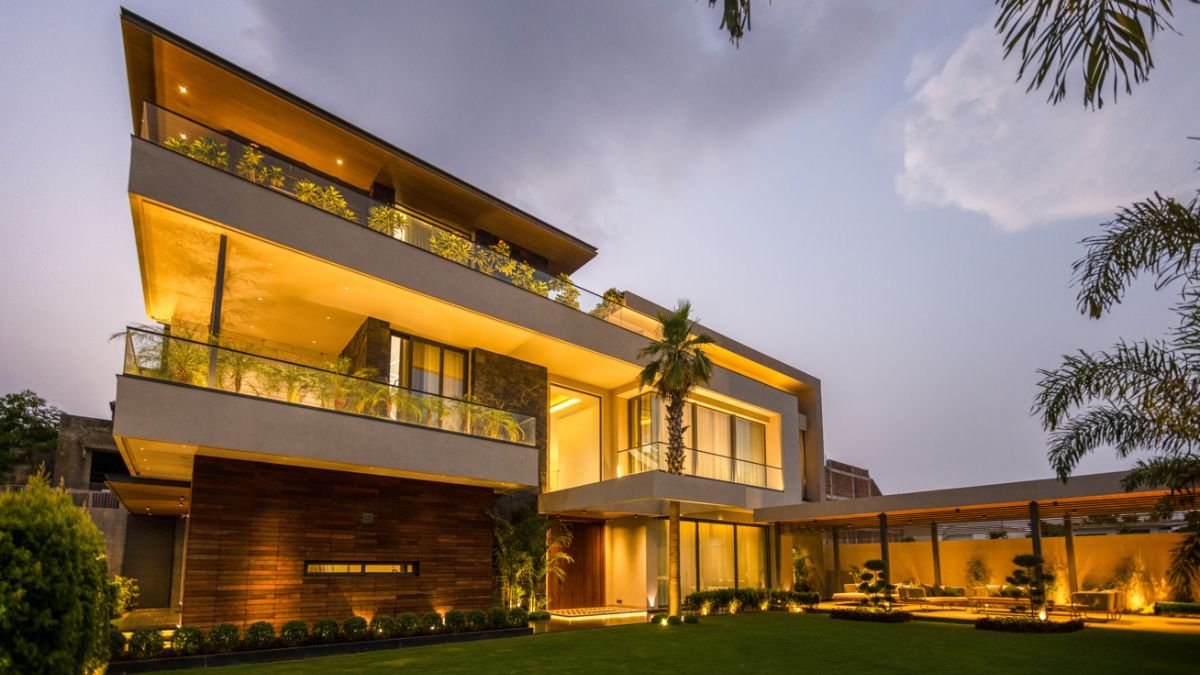
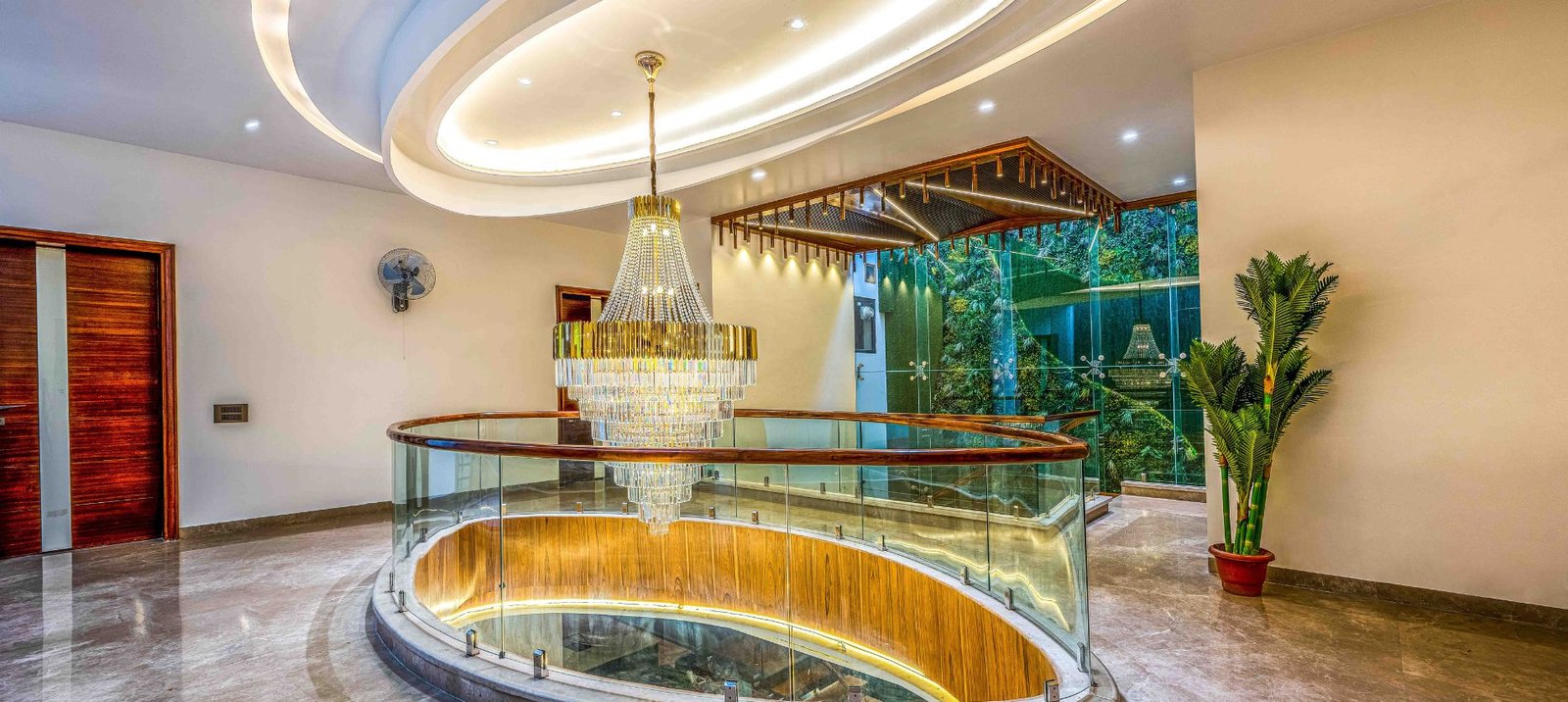
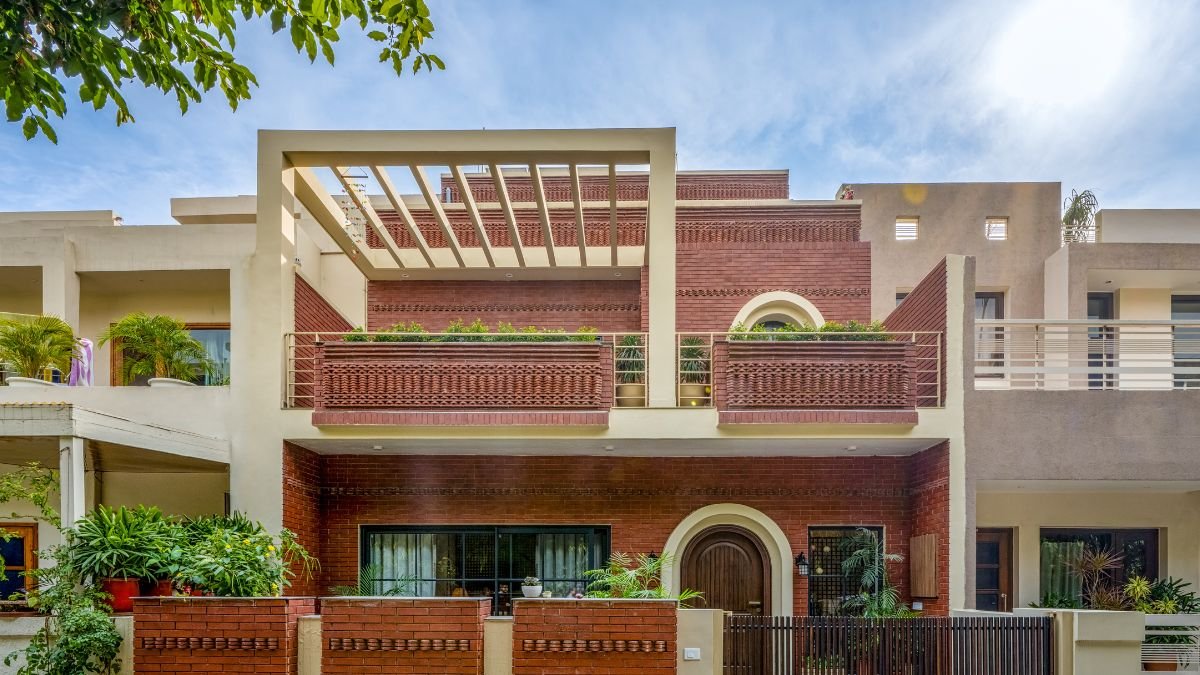
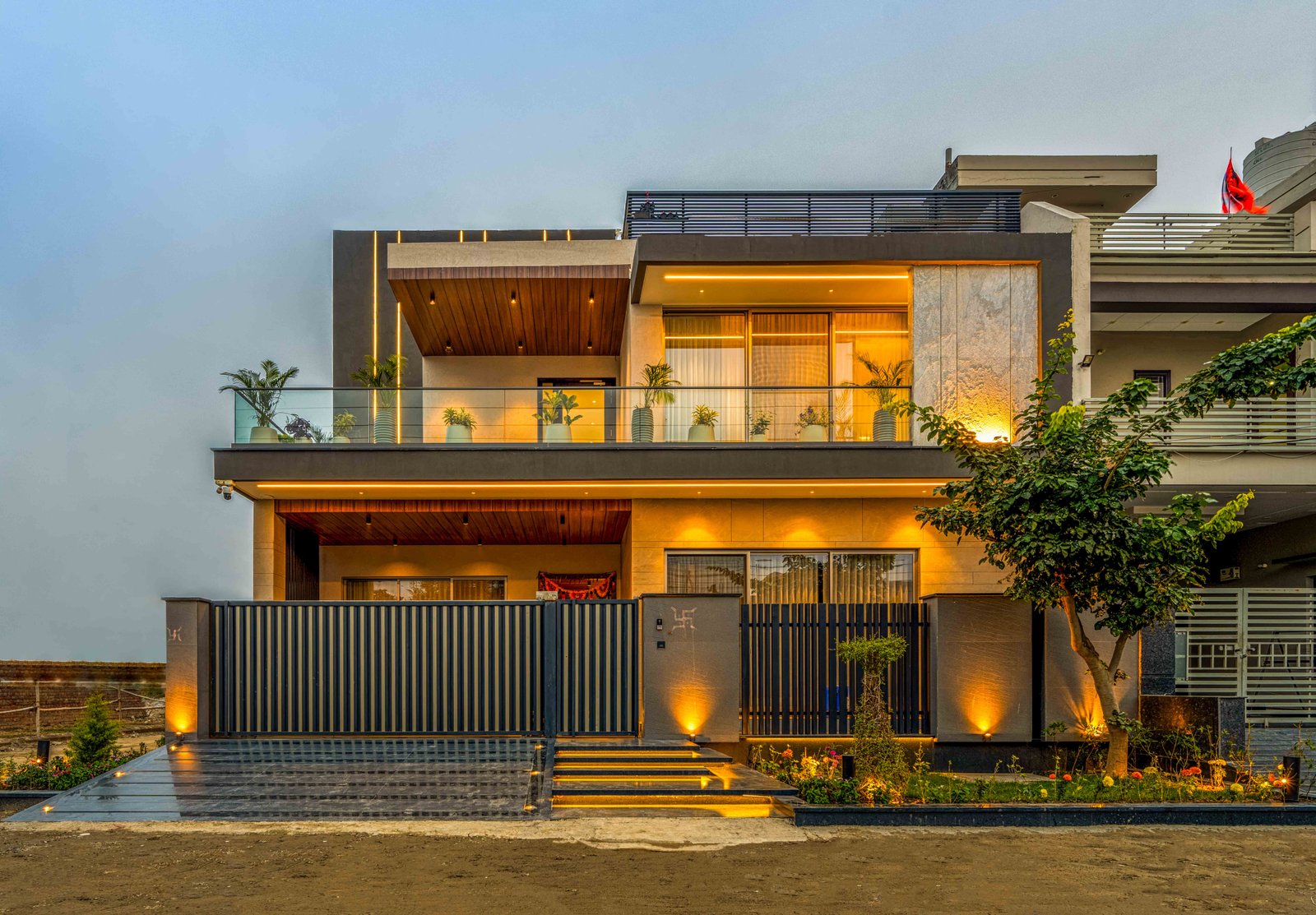
Here’s what Digital Darzee built and launched. Every page, every feature — live and serving real architects, designers, and builders across India.
The Problem We Were Hired to Solve
❌ The Market Was Fragmented
Architects in India discover materials through catalogues, trade shows, and WhatsApp groups. Builders find professionals through referrals. Vendors have no direct access to the architecture and design community — they rely entirely on distributors and showrooms. There was no digital platform designed specifically for the trade — where all four of these user types could transact, discover, and connect professionally.
❌ Generic Marketplace Platforms Didn’t Fit
Off-the-shelf marketplace solutions — Sharetribe, Arcadier, or WordPress-based multi-vendor plugins — couldn’t handle the complexity of what Palatial Studios needed: different profile types with different capabilities, project-based workflows, product specification tools for architects, vendor verification processes, and a visual-first browsing experience for design professionals. The product needed to be built from scratch.
Our Solution: A Multi-Role Marketplace on Laravel + HTML
✅ Four User Roles, One Unified Platform
We designed the platform around four distinct user roles — each with their own profile, capabilities, dashboard, and workflows. An architect’s experience is completely different from a vendor’s, but both live on the same platform, connected by the transactions and discoveries that happen between them. Building this in Laravel allowed us to manage role-based access control cleanly, with a single backend serving all four user types through a well-structured API.
✅ HTML & Blade for a Clean, Fast Frontend
Design professionals care deeply about aesthetics. The platform needed to feel premium, fast, and visual — closer to Behance or Houzz than a traditional directory. We built the frontend using Laravel Blade templates with clean, fast HTML.
✅ Web App for Professional Accessibility on Mobile
Architects and designers are frequently on-site, in clients’ homes, or in showrooms — not at a desk. Making Palatial Studios installable as a Web App meant they could access it from their phone’s home screen, get push notifications for new products and projects, and browse cached content even with poor connectivity on a construction site. No App Store, no Play Store, no separate iOS and Android codebase.
Key Features Built Into the Platform
🏗️ Professional Profiles
Rich portfolio pages for architects and designers — project galleries, awards, specialisations, client testimonials. More detailed than LinkedIn, more professional than Instagram.
🪟 Product Catalogue for Vendors
Vendors list materials and products with full specifications — dimensions, finishes, MOQ, delivery areas, and pricing for trade. Searchable by category, material, application, and location.
📋 Project-Based Workflow
Architects can create a project, add products they’ve specified, share with clients, and track the entire material selection journey in one place. Purpose-built for how design projects actually work.
🔍 Multi-Dimensional Search
Full-text search across professionals, products, and projects — filtered by location, specialisation, budget range, material type, and project scale. Faceted filters with instant reactive results.
✅ Verified Badge System
A vendor verification process — document upload, review, and badge assignment — to signal trusted suppliers to the professional community. Increases buyer confidence in a trust-sensitive market.
📱 Web App + Push Notifications
Installable on any device. Push notifications for new products matching saved preferences, project activity, enquiry responses, and platform announcements — without any app store dependency.
💬 In-Platform Enquiry System
Direct enquiry from architects to vendors, from clients to professionals — with thread history, file attachments, and read receipts. Keeps all communication inside the platform and trackable.
📊 Vendor Analytics Dashboard
Every vendor sees how many architects viewed their catalogue, which products were most saved, how many enquiries came in, and what their conversion rate looks like — updated in real time.
How We Built It: The Development Timeline
Discovery & Architecture (Weeks 1–3)
Mapping all four user journeys in detail. What does an architect do on this platform from day one? What does a vendor need to do to get their first enquiry? We documented every screen, every interaction, and every data model before writing a line of code. This phase prevents the most expensive mistakes.
Backend API Development in Laravel (Weeks 4–10)
Building the entire API layer — user authentication with role-based access, product catalogue CRUD, project management, enquiry system, notification engine, and analytics aggregation. Laravel’s Eloquent ORM handled complex relational queries across the four user types cleanly.
HTML Frontend Development (Weeks 8–16)
Built in parallel with the backend once the API contracts were defined. Discovery pages, professional profiles, product catalogues, dashboards, and the enquiry inbox — all in React with fast in-page navigation and instant search. Overlap with backend development accelerated delivery.
Web App Configuration & Testing (Weeks 15–17)
Service worker setup for offline capability and caching. Push notification integration. Performance auditing with Lighthouse — all pages above 90 on mobile performance score. Cross-device testing across iOS and Android.
Beta Launch & Iteration (Week 18+)
Controlled launch to an initial cohort of architects and vendors. User feedback collected through in-app surveys and direct calls. Rapid iterations on the discovery experience and onboarding flow based on real usage data. The platform improved more in the first 30 days post-launch than in 5 weeks of pre-launch planning.
What Made This Project Different
Most marketplace projects fail because they underestimate the complexity of serving multiple user types with different needs on a single platform. The vendor experience and the architect experience are almost completely different products — they just happen to share data. Getting this right requires deep thinking about user journeys, role-specific permissions, and information architecture that a template or no-code tool simply cannot provide.
The other factor that made Palatial Studios work was the decision to use Web App instead of native apps. The client had initially considered building separate iOS and Android apps — a decision that would have tripled the build cost and split the development team’s focus. By building a Web App on top of the HTML frontend we were already building, we got the mobile app experience at zero additional build cost. The performance is near-native, the install experience is smooth, and there’s a single codebase to maintain.